shell game
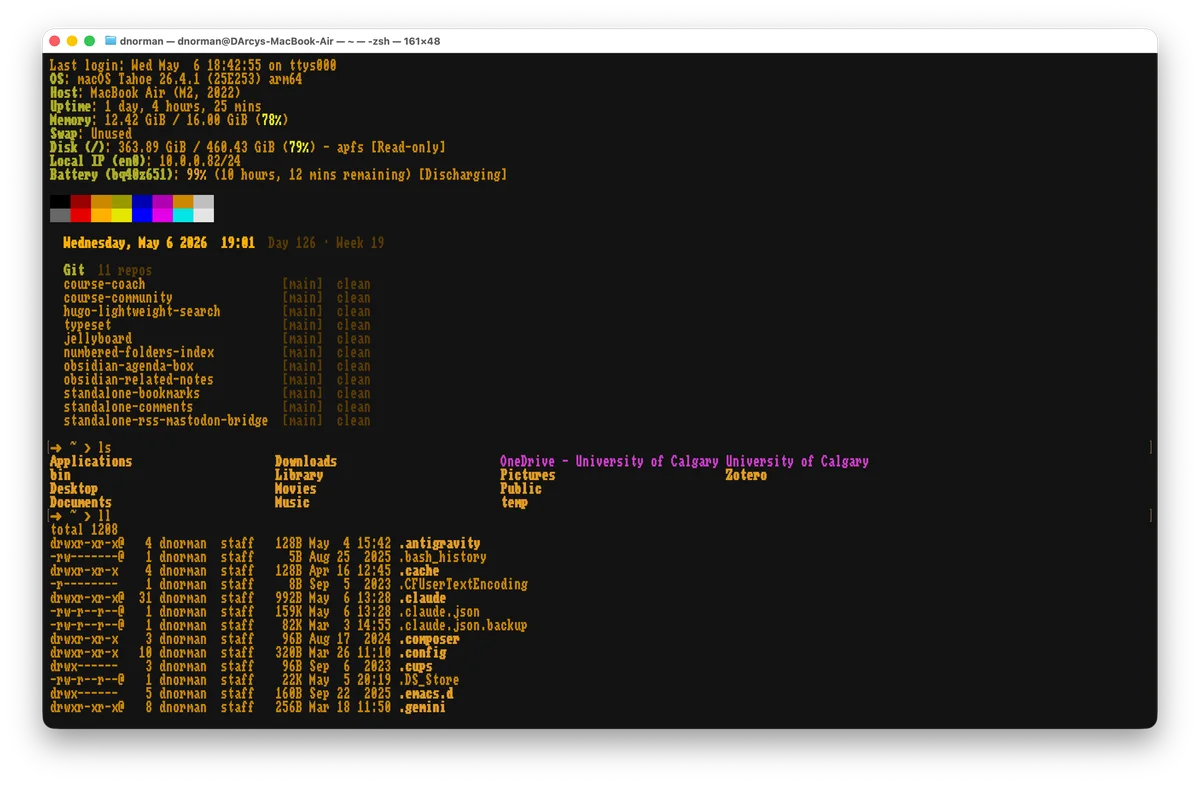
A terminal window displaying system information for a MacBook Air running macOS Tahoe, with Git repository status, file listings, and directory contents shown in yellow and white text on a black background.
Photo by D'Arcy Norman
Lee Hutchinson posted an Ask Ars: Ars Asks: Share your shell and show us your tricked-out terminals!. LOTS of great tips in the comments. This is what my shell looks like, in Terminal.app on macOS, at the start of a session.
Much of the config is handled by Oh! My ZSH!, with some custom aliases etc. in my ~/.zshrc config file.
From the top:
- Status info (last login, info about the computer)
- colour test swatch
- date, time, day-of-year, week-of-year
- status of the main Git repos I use (flagging any not-checked-in files)