Last night while watching the Olympics highlights, I was playing around with Claude Code to see if I could implement something I’ve been thinking of for quite awhile. What if students had an application that connected to the LMS (Brightspace in our case) and pulled all course materials, info, calendar, assignments, discussions etc. into a local database, and what if a local chatbot was able to interact with that database to guide a student as they learn? A socratic agent, coaching them without giving them answers. Prompting them as they engage with the course.
I started off simply, using the Opus 4.6 in the Claude app on my phone (again, watching the Olympics). That produced a specifications document that I then saved into an empty project directory. I switched to my laptop and started a new Claude Code session, prompting it to use that document as a starting point for developing a new application.
In a couple of hours of back-and-forth prompting, a pretty interesting prototype application was produced. I wanted to see if it was possible to make a double-clickable macOS application rather than just a collection of server bits that many students won’t want to worry about. Claude suggested using python for the guts of the application, and wrapping an HTML interface in a native macOS application (without using Electron).
Claude started out by being very overconfident in its abilities - it started building to an API that didn’t exist, and asked me to get an OAuth application set up on a D2L server that wasn’t there. So there were a few rounds of “um… I don’t think that’s a thing” followed by “oh, right. silly me! I just made that part up. OOPS! Would you like me to look up the actual documentation and build something that would work?” (yes. please. and why didn’t you start with that? etc…)

Screenshot of the Dashboard interface
Listing the courses that I’m enrolled in through our Brightspace instance.
Image by D'Arcy Norman
On first launch, the application prompts you to login (to our Test1 instance of Brightspace) and then lists the courses you’re enrolled in. Selecting a course will give you some information about it and you’ll need to run a “sync” process the first time so the application can grab all of the info and files.
The application uses a local LLM running in Ollama. I built it using ministral-3:3b but llama would work (if you can stomach running Meta’s LLM on your computer) or others. Course info is processed and stored in a SQLite database for use by the application.

The Course view
With a way to view course materials, content, etc. and to interact with a chatbot.
Image by D'Arcy Norman
With the info and files stored in the application’s database, you can then chat with an AI bot that has been instructed to work with you as you learn in the course. The full prompt is available for reference. The prompt also includes a section based on Natasha Kenny’s executive coaching work with Claude.
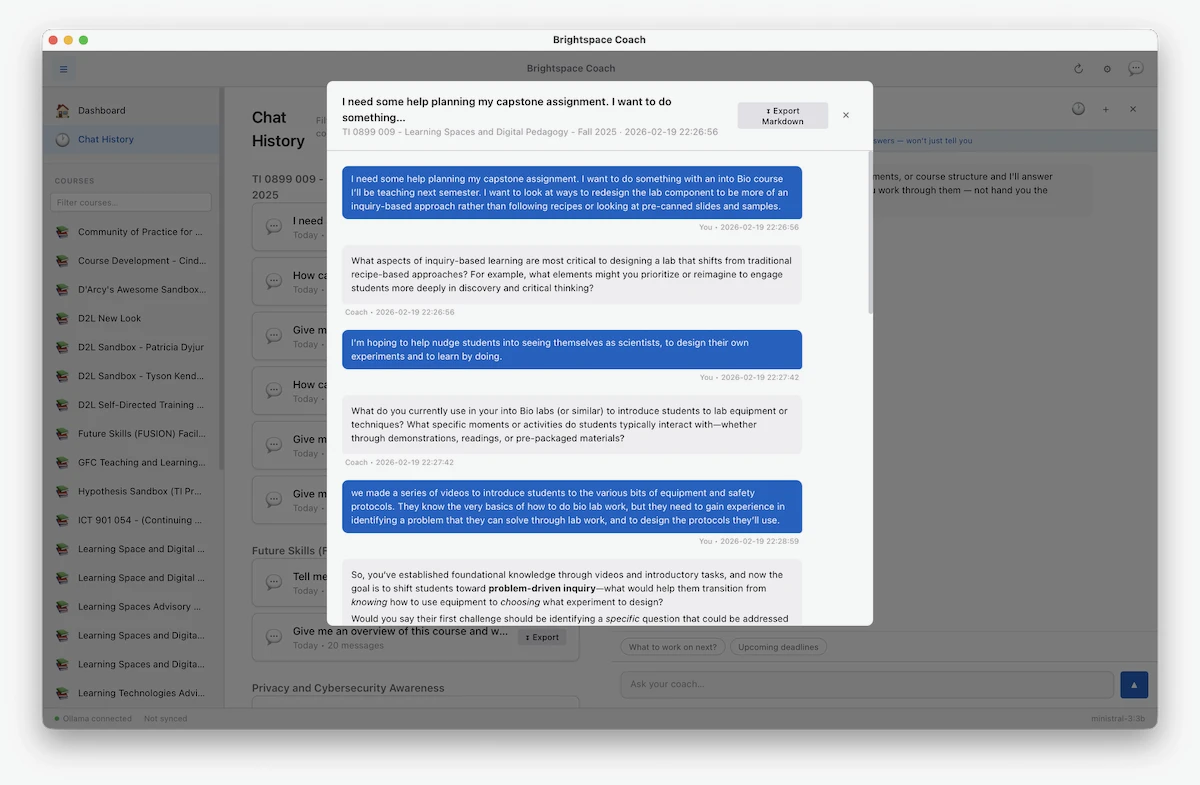
Previous chats are saved
and can be exported as markdown files for use outside of the application
Image by D'Arcy Norman
The idea is that you’d use this as a “thinking out loud” partner as you work through the course(s), and that you’d be able to refer back to the ideas that you had during the conversation. The chatbot isn’t an answerbot. It’s not a cheatbot. It’s a power tool to help you do the work to be creative and to more deeply engage with the course.
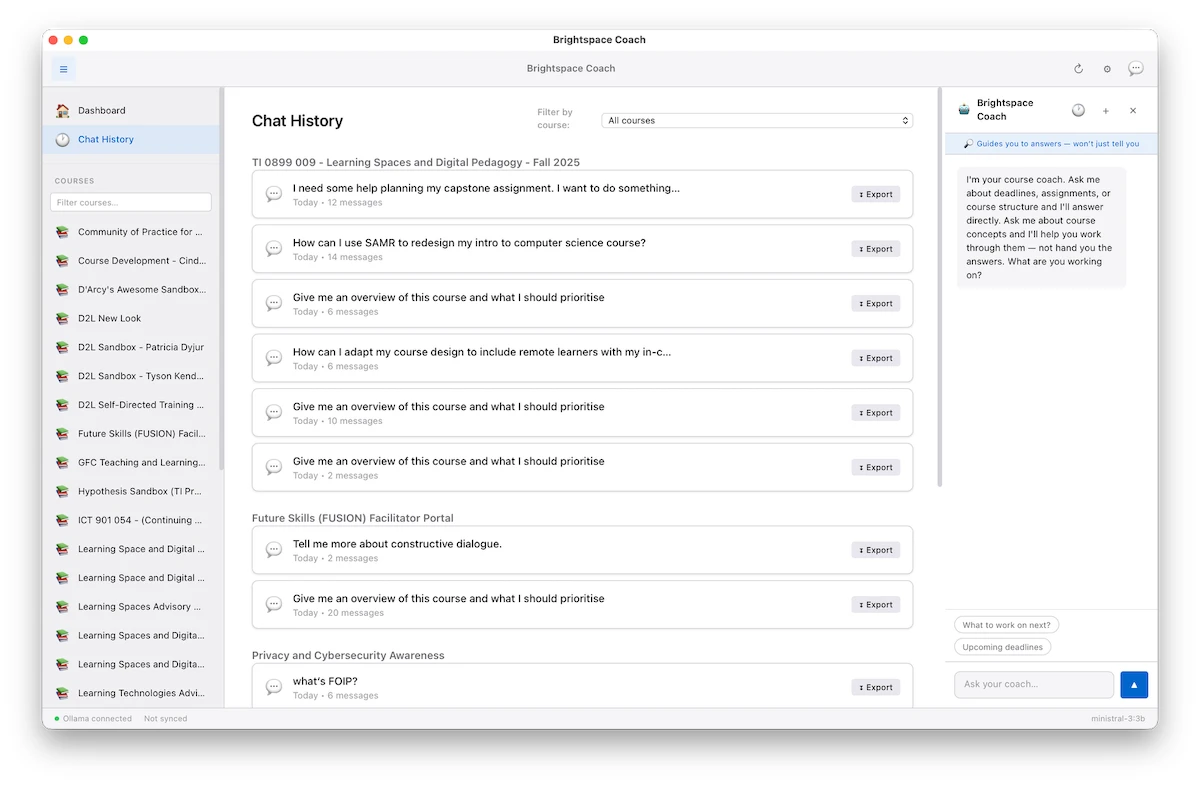
Chat history is stored locally
and can be filtered by course
Image by D'Arcy Norman
I’ve put the early rough prototype code in GitHub - it may be useful as a reference at least. It’s basically hard-coded to work with our Test1 Brightspace server, so wouldn’t be directly usable, and it still needs a working Ollama environment to run the LLM component. The application is macOS-only, but the python script can also run as a standalone webserver to run on other platforms.